 KI-Anonymisierer


Mac
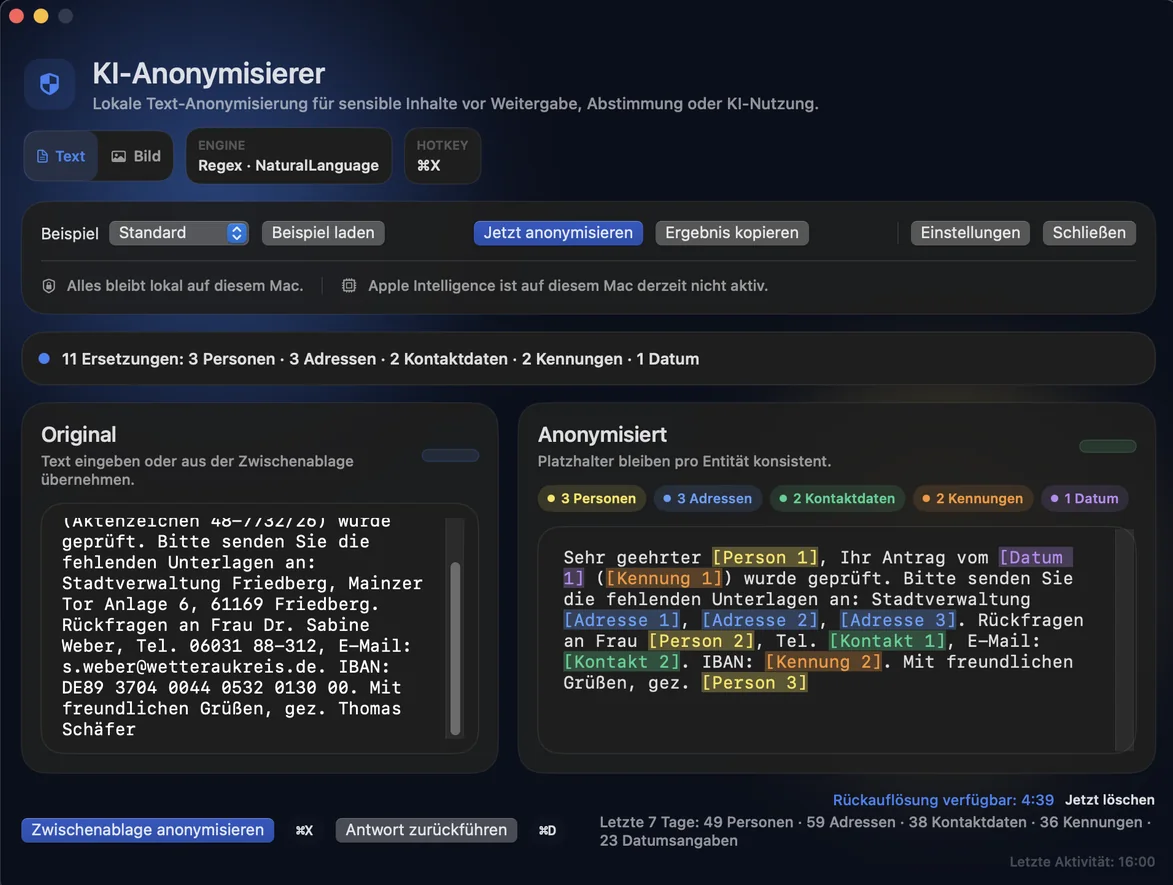
Menu bar app with a global shortcut. Anonymize text and images locally and restore the names after the AI reply.
one-time €9.99 View Mac app
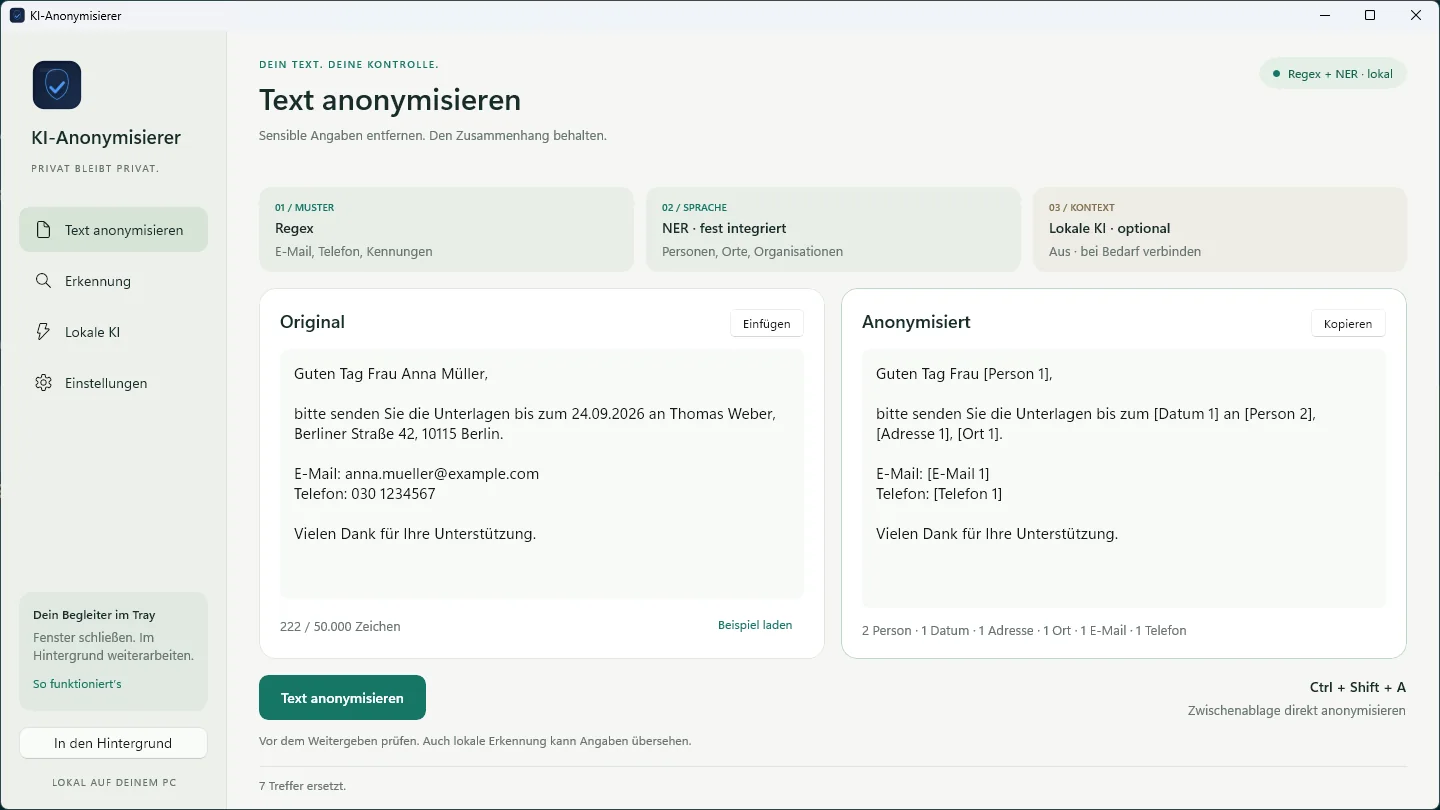
Example with made-up data: in a copied email to Ms Lena Hoffmann, the name, date, case number, email address and phone number are replaced with placeholders such as “Person 1” or “Email 1” before the text is pasted.
KI-Anonymisierer replaces names, addresses and identifiers with placeholders before text lands in ChatGPT, Copilot and the like. On your device, in the browser or on your own server.
8:47 am, benefits department: an objection from Ms Lena Hoffmann arrives, with date of birth, address and case number. 14 more cases are waiting, and the case worker wants help from an AI chat. At 9:03 am she copies the text.
Path A, unprotected: the text goes into the AI chat with all details. Name, date of birth, address and case number leave the building and end up in a third-party data center. The 72-hour deadline for reporting a data breach begins.
Path B, with KI-Anonymisierer: before pasting, the details are replaced with placeholders such as “Person 1” and “Date 1”. The AI replies with placeholders, and the names are restored locally. At 9:05 am the case is done, nothing left the building.

“As an AI lecturer, I see it every day: client data drifting into AI chats almost unnoticed. Not out of malice, but in the split second between copy and paste. So, step by step, I built tools for exactly that moment.”

From the Mac to the Excel spreadsheet
Menu bar app with a global shortcut. Anonymize text and images locally and restore the names after the AI reply.
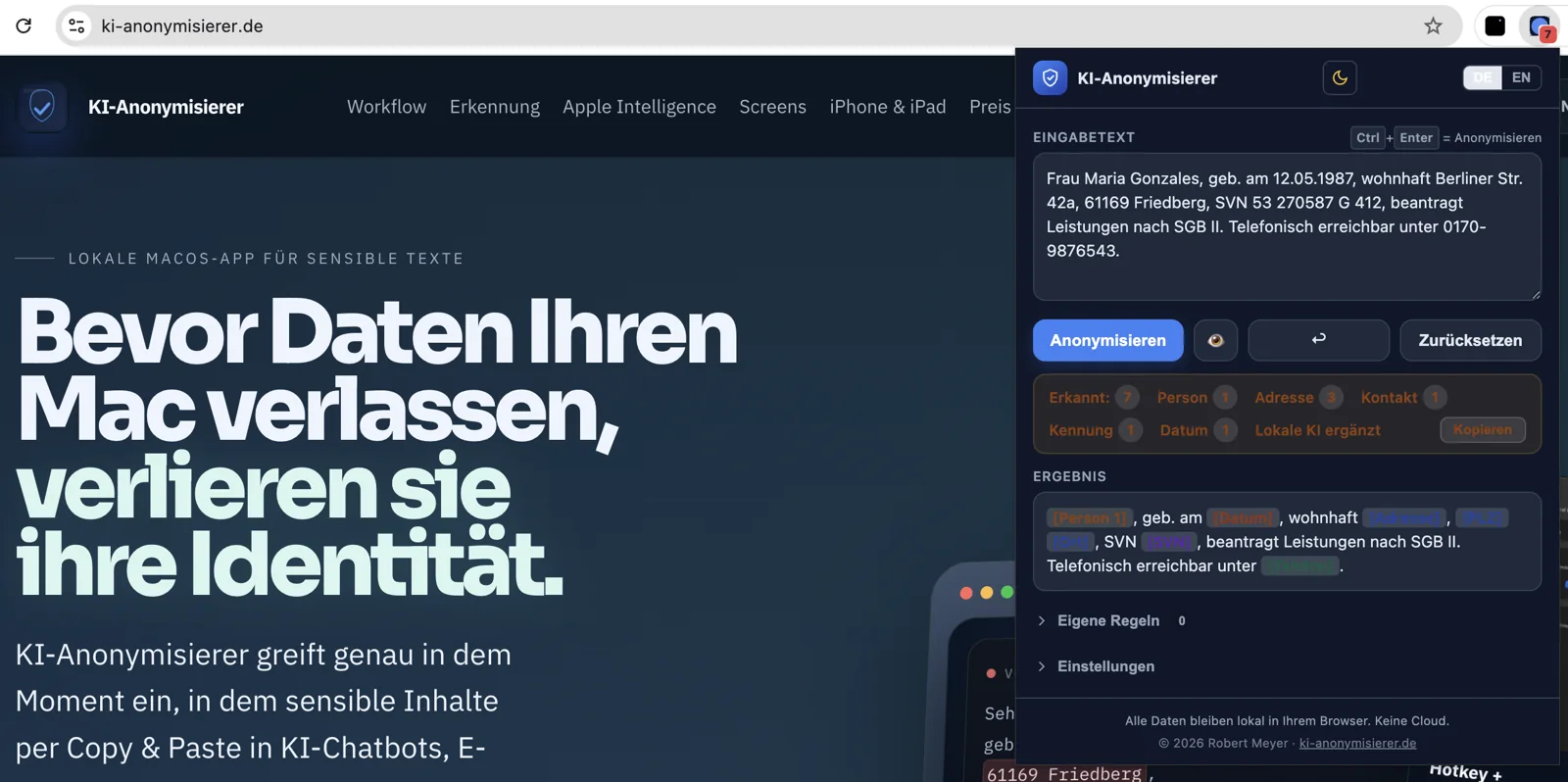
Free, right in the browser. Paste Guard checks text in supported AI chats before pasting and can use your own server.
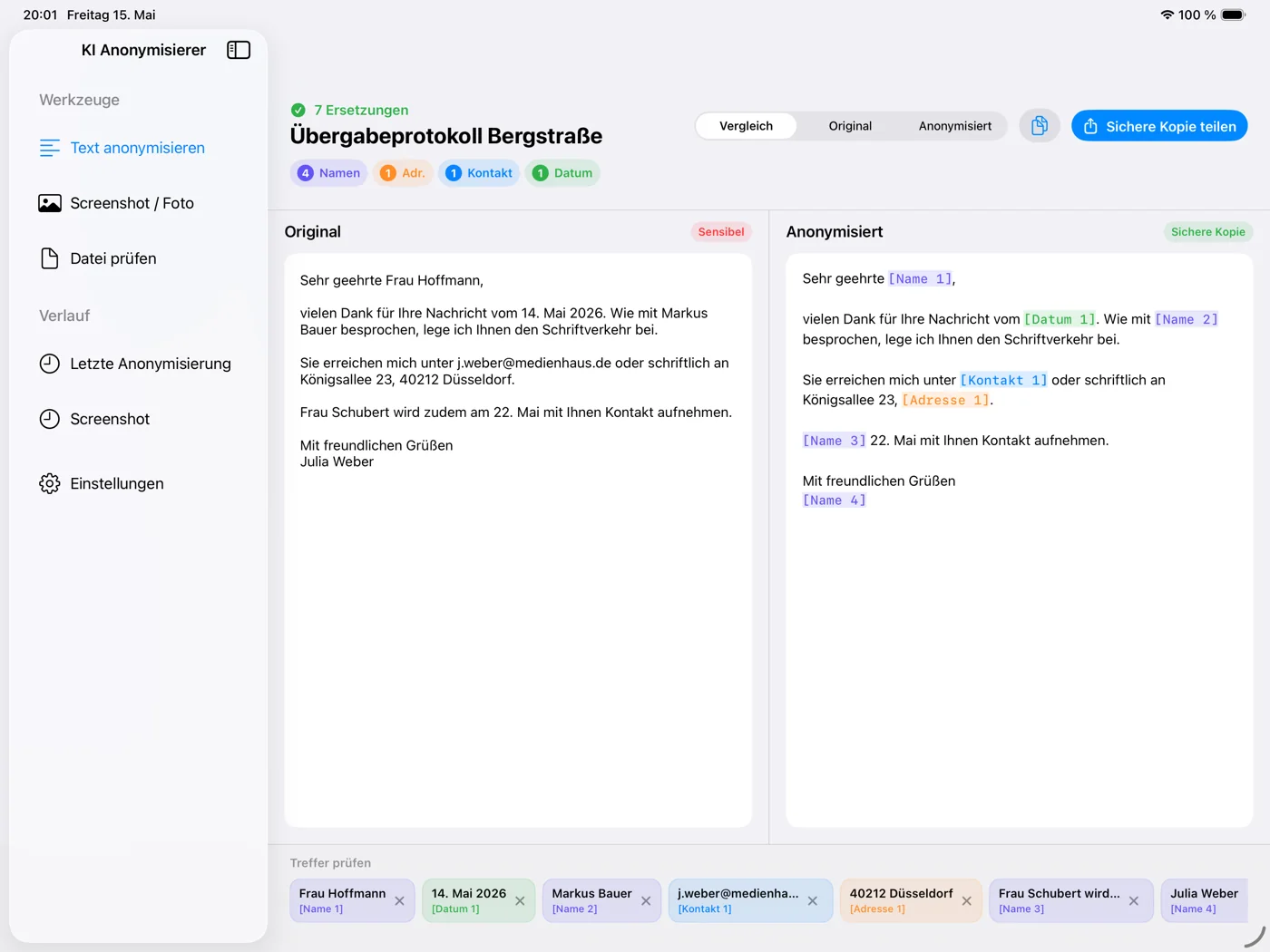
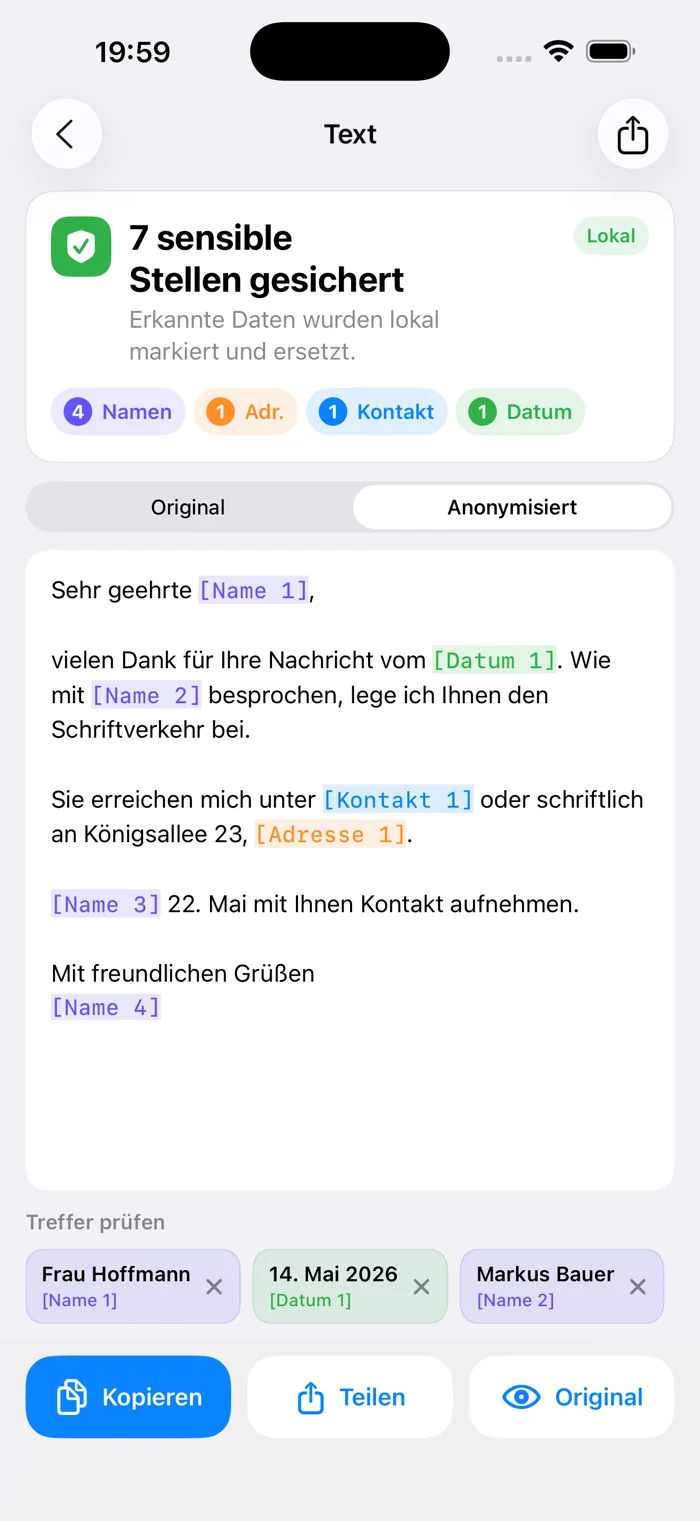
Clean text, photos and screenshots before sharing, straight from the share sheet.
Tray app with Ctrl + Shift + A. Regex, built-in NER and optional local AI, also via Ollama or LM Studio. German interface.
Detection runs centrally in your infrastructure. The Windows client, Chrome and your own applications use it via an API.
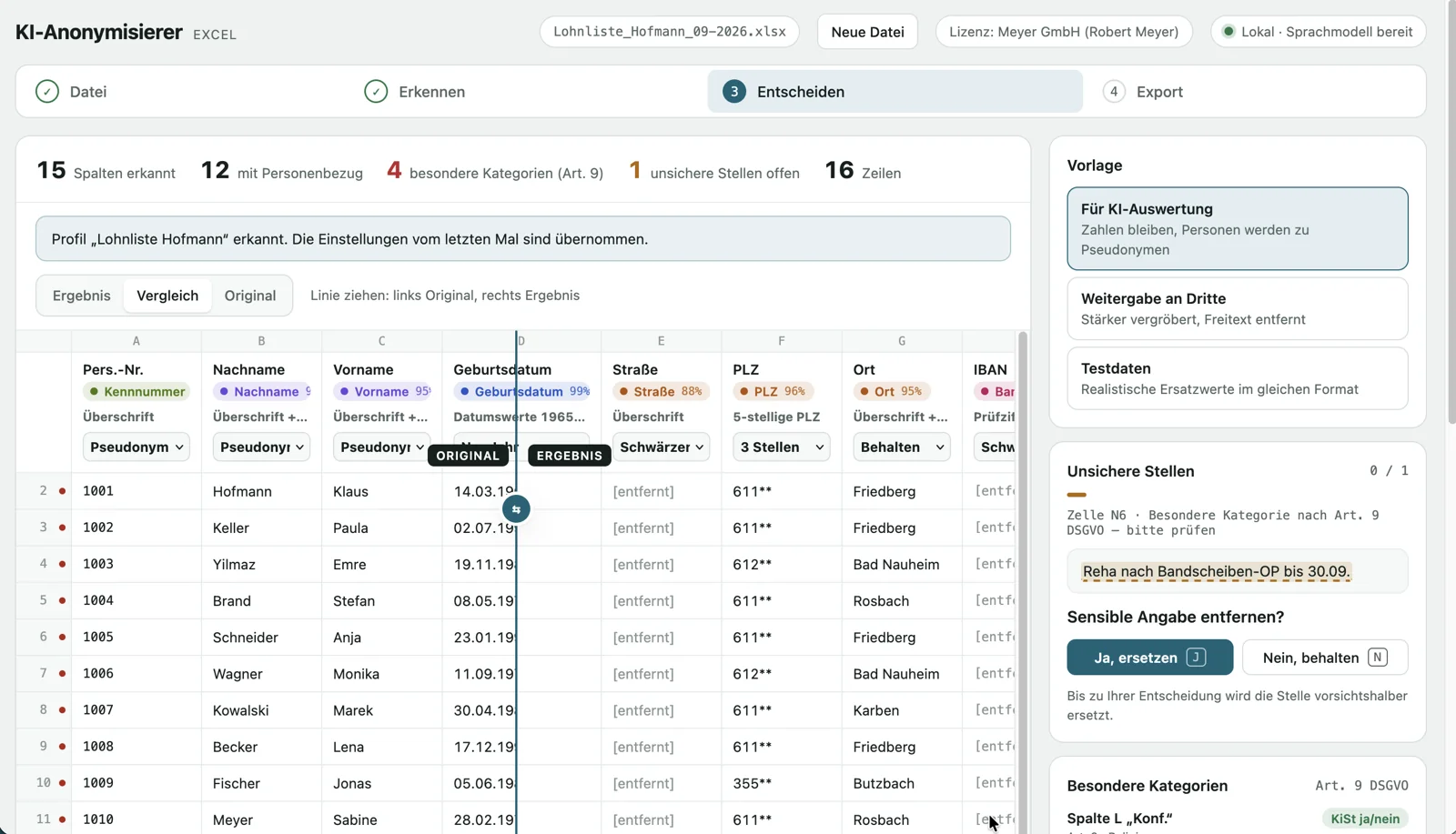
The payroll list may go to AI, the names may not. Detect columns, decide per column, with a log and a way back, locally in Docker.
The key question is not the platform
Single seat, no server, ready right away.
Tap an app for details, screenshots and the store link.
Free, right before the AI chat.
Many workstations, one central detection service.
With the server, text is sent to your own server for analysis.

For teams, SMEs and public authorities
In public administration, law firms and mid-sized companies, many people work with the same sensitive data every day. KI-Anonymisierer brings the check to every workstation, centrally managed if you like.
The solution behind it
200 workstations do not need 200 AI installations. KI-Anonymisierer Server bundles detection in a self-hosted Docker service.
In server mode, text is sent to your server for analysis. According to the documentation, the server stores no plain text.

Start small, grow when you need to
To try out and for the browser
Native apps, buy once, no subscription
Central detection for many workstations
The server EULA applies.
Request a quoteRequest test accessFor teams, SMEs and public authorities
Tool and training from one source: your team works with AI and knows what does not belong in a prompt.
Good to know
Not with the apps for Mac, iPhone, iPad and Windows, or the Chrome extension without a server connection: detection runs on your device. In server mode, text is sent to your self-hosted server for analysis.
No automatic detection is complete. KI-Anonymisierer supports the review; checking before you share remains essential.
No software can promise that across the board. KI-Anonymisierer reduces personal data before text is shared. The legal assessment of your use stays with you and your data protection advisor.
Not necessarily. Each workstation can use its own app. The server pays off when you want to maintain detection and custom terms centrally.
That depends on text volume, response times and concurrent requests. In the pilot, we work out together what your setup needs.
Law firm, practice, public administration or mid-sized company: briefly describe your situation. You will get a personal reply from Robert Meyer.