 KI-Anonymisierer
iPhone & iPad · on the go
Remove sensitive data before you share.
Anonymisierer cleans text, screenshots, photos and PDF content locally on the device before it is shared, forwarded or used in AI tools. Automatic detection helps, manual review remains essential.
- iPhone and iPad
- Share sheet
- Text, image, PDF
- No account
From any app straight into anonymization.
Share
Tap “Share” in Mail, Safari, Photos, Files, Notes or any other app.
Choose Anonymisierer
Pick the app in the share sheet and let it check the content locally.
Keep working
Copy or share the anonymized version, or rework image areas by hand.
Not just text. Also what you share on the go.
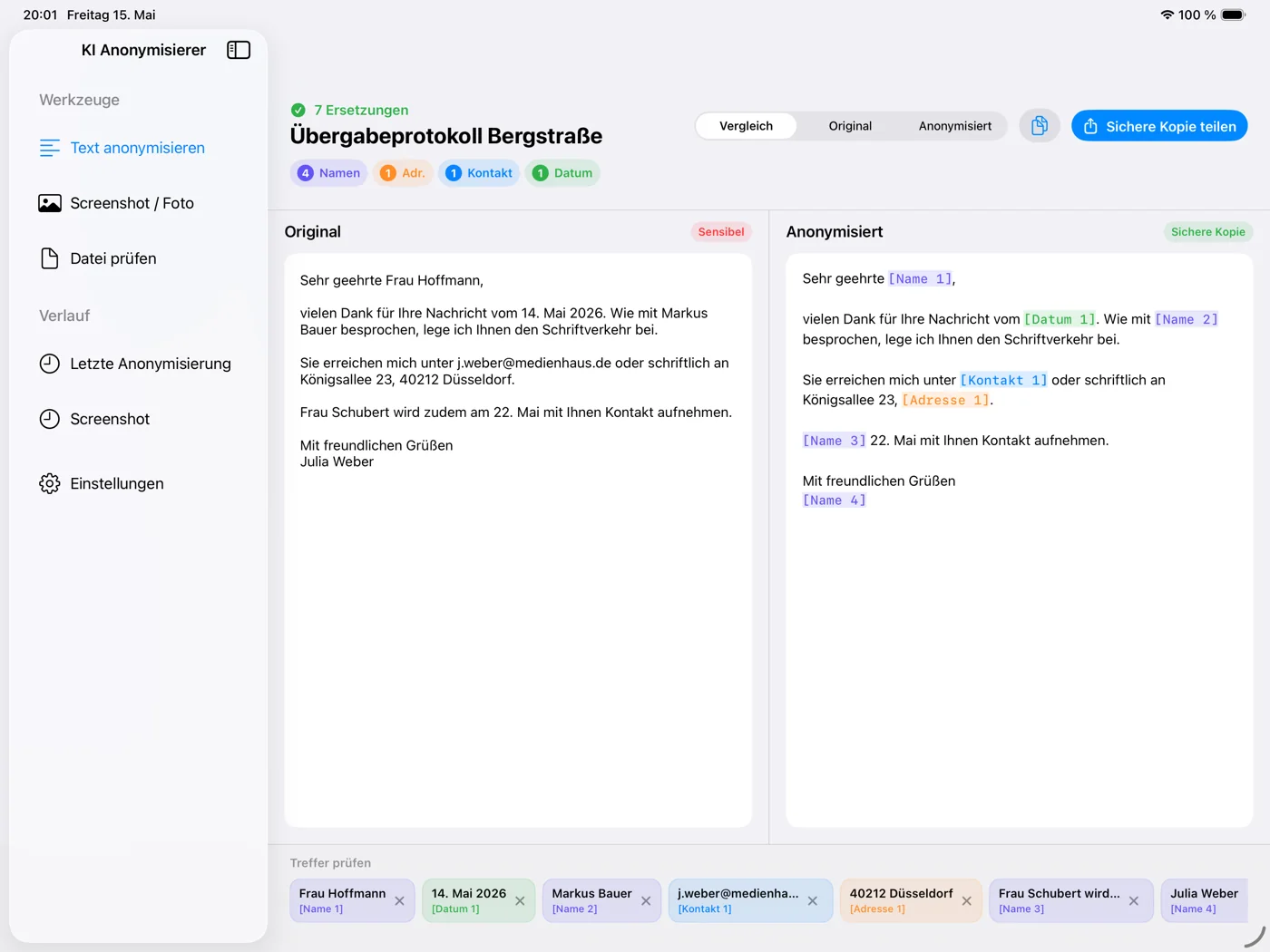
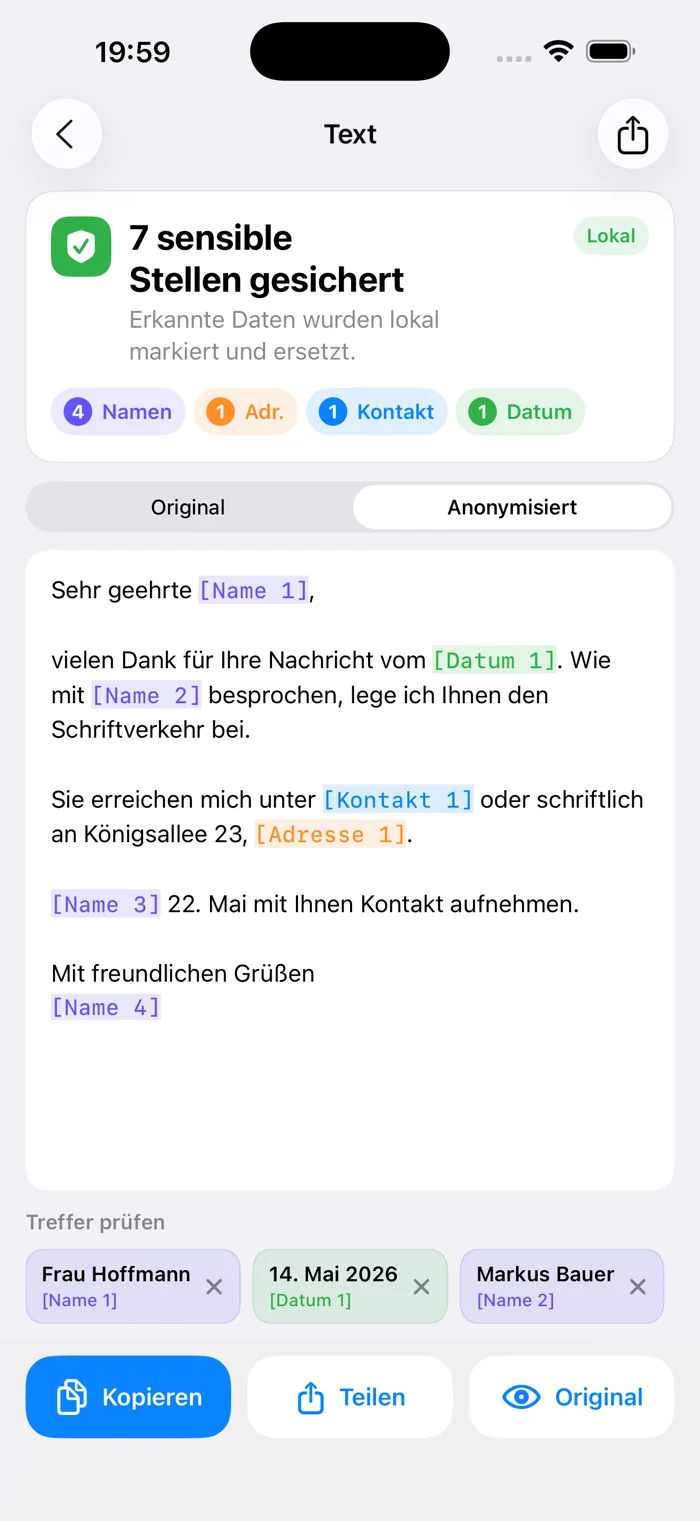
Check and copy text
Detected categories stay visible, the result can be copied or shared right away.
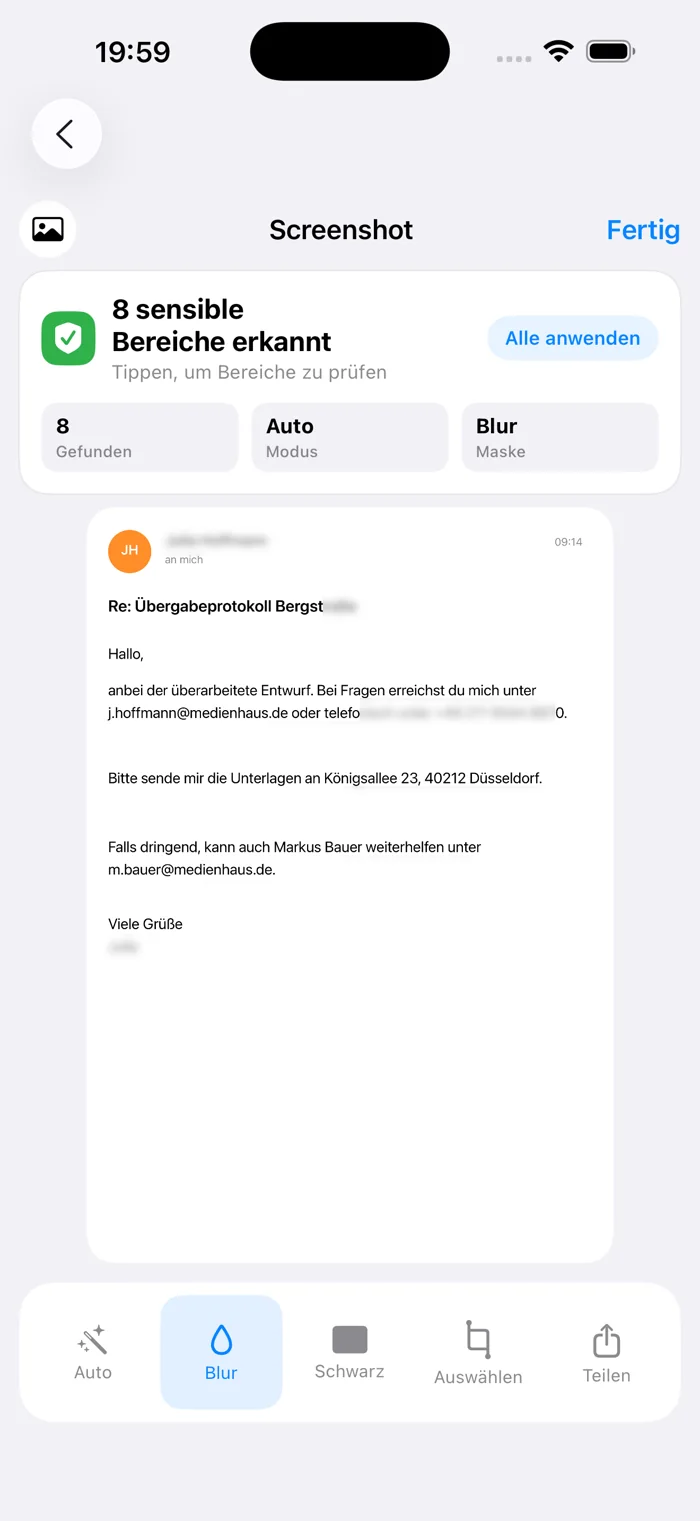
Screenshots and photos
OCR finds sensitive text. Mark missing areas yourself and blur or black them out.
Share sheet
Hand over content from other apps directly, without saving and reopening.
PDF content
PDF text is anonymized as plain text, without the original layout.
Optimized for iPad
Sidebar, large preview and more room to review longer texts.
No tracking
No account, no ad profiles, no analytics software in the app.
The real app
A transparent limit
PDF content is anonymized as text; layout and formatting are not kept. The app supports cleaning sensitive data, review before publishing or sharing remains essential.
Frequently asked questions
Does anonymization run locally?
Yes. Text, images and files are not uploaded to an external cloud for anonymization.
Does the app work without Apple Intelligence?
Yes. It uses rule-based detection, Natural Language and local system features. Apple Intelligence adds to it when available.
Can I anonymize screenshots manually?
Yes. In addition to automatic detection, you mark your own areas and blur or black them out.
Is the Mac app included?
No. The iPhone/iPad app and the Mac app are separate apps.
Buy once, use on iPhone and iPad.
Other workplaces